Free Restaurant POS Software: Billing Without Order Limits
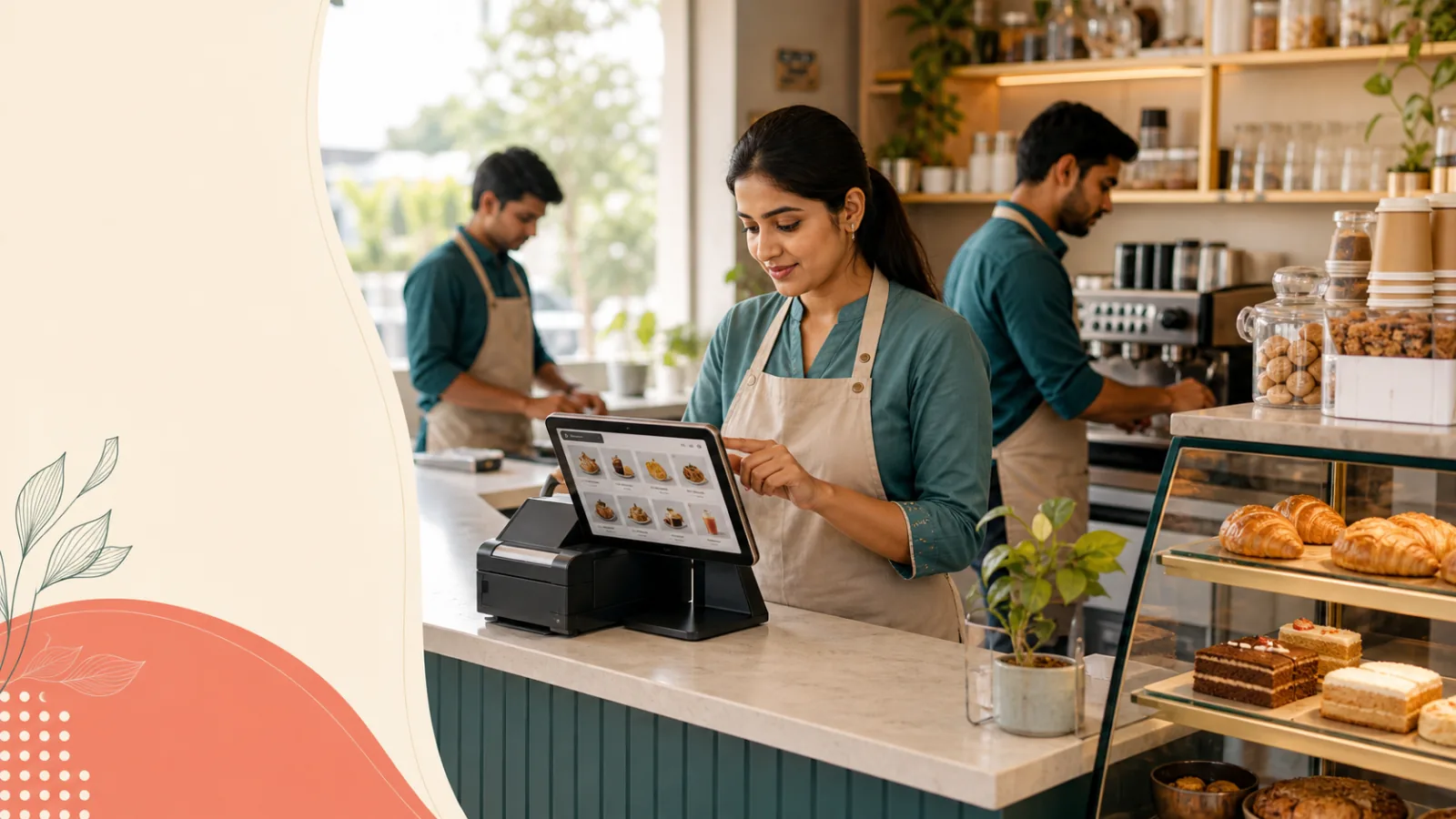
See when free counter billing is enough for a restaurant, café, bakery, or takeaway—and which kitchen operations require Professional.
A small takeaway counter can serve dozens of quick orders without needing a complicated restaurant technology stack. What it does need is a consistent way to select menu items, make a bill, record the order, print a receipt, and let the owner review the day. Free software can cover that foundation, provided its limits match how the restaurant actually works.
Direct answer: A small restaurant can use Smart Money Cart Starter for free billing, unlimited orders, menu management, customer records, employee accounts, staff login, receipts, and basic reports. Kitchen/KOT, QR table ordering, Swiggy/Zomato reconciliation, and AI analytics require Professional. Starter is for one outlet and one active POS counter.
This guide separates basic restaurant billing from advanced kitchen operations so owners can choose a plan without paying for tools they do not yet use. Current prices and plan details are available on the Smart Money Cart pricing page.
If you also operate retail or service billing, use the broader free POS software in India guide alongside this restaurant-specific checklist.
What does a restaurant POS do?
A restaurant point-of-sale system records what was ordered and turns that selection into a bill. At its simplest, staff choose menu items, confirm quantities and prices, record the order, issue a receipt, and leave a searchable history for the owner.
More advanced restaurant POS workflows can also send orders to a kitchen screen, print kitchen order tickets, accept guest orders from a table QR code, reconcile delivery-platform sales, analyse trends, or coordinate several outlets. Those capabilities are valuable only when the operation needs them. They are not the definition of basic billing.
For a small food business, start by mapping three movements: how an order enters, who prepares it, and how payment and the final receipt are recorded. This makes it easier to tell whether standard POS billing is enough or whether a restaurant operations setup is required.
Can a restaurant use a POS for free?
Yes. Smart Money Cart Free Forever Starter costs ₹0, has no expiry, and requires no credit card. It includes unlimited bills and unlimited orders at one outlet with one active POS counter. A café, bakery, takeaway, food stall, or home food business can use that base workflow without a monthly plan fee.
The word “free” does not unlock every restaurant feature. Starter does not include Kitchen display, KOT printing, QR table ordering, Swiggy/Zomato reconciliation, or AI analytics. Professional is an optional upgrade for those advanced requirements.
What does the Smart Money Cart Free Starter plan include?
For a food business, Starter includes:
- POS billing with unlimited bills and orders
- One outlet and one active POS counter
- Product and menu items with categories
- Order history and customer management
- Employee accounts and staff login
- Receipt printing
- Basic sales reports
- Standard support
The plan is Free Forever. It does not become paid after a launch period, and a card is not required to create the account. “Unlimited orders” applies to the number of orders, while the outlet and active-counter limits remain in place.
What do unlimited restaurant orders mean?
Unlimited means Starter does not set a monthly order cap. A food stall can record each small sale, and a bakery does not need to leave orders outside the POS after reaching a quota. Keeping the entire billing flow in one system makes order history and basic reports more complete.
Unlimited does not mean unlimited outlets, simultaneous billing counters, staff permissions, or advanced restaurant modules. It is a billing-volume fact, not a promise that every operational resource is uncapped. A plan is a fit only when both its included features and its limits suit the restaurant.
Start with free restaurant billing today. Upgrade only when your kitchen operations need more. Start Restaurant Billing Free
How do menu and product management help?
A clear menu reduces price and item-selection mistakes at the counter. Starter lets the business create menu items and categories so staff can select from a maintained catalogue rather than retype every description.
A takeaway could group rolls, beverages, and add-ons. A bakery could separate breads, pastries, whole cakes, and packaged products. A juice shop could organise sizes as distinct items where that matches the actual price list. Before going live, remove duplicates, confirm selling prices, and make item names clear enough for a new employee.
Menu management in Starter should not be confused with advanced inventory and purchasing. If the business needs deeper stock control, supplier workflows, or purchase operations, that requirement belongs in a Professional evaluation.
How do customer records and order history work together?
Order history makes it possible to return to a recorded transaction instead of searching a stack of slips. Customer management keeps customer details within the supported POS workflow. Together they can help the owner answer practical questions such as whether a bill was recorded or which items appeared in an earlier order.
Do not collect more customer information than the business needs. Keep access limited to authorised staff and follow applicable privacy duties. A POS record should improve the service workflow, not become an excuse to gather unrelated personal data.
For a home-based food business, this foundation may be enough: enter the menu, record each confirmed order, issue the receipt when appropriate, and use order history for the daily review. Delivery logistics and marketplace integrations remain separate operational questions.
Can employees have their own restaurant login?
Yes. Starter includes employee accounts and staff login. In a café with two employees working different shifts, both can have accounts while billing remains on the one permitted active POS counter. This is clearer than sharing the owner password.
Starter does not include advanced employee permissions. A larger restaurant may need more detailed role separation across managers, cashiers, kitchen staff, or outlets. That is a reason to evaluate Professional, but the decision should begin with a written list of who can perform which action.
What should a restaurant test for receipts and reports?
Starter includes receipt printing and basic sales reports. Test the actual printer, browser, paper width, item names, totals, and handoff before serving customers. The presence of a print button does not guarantee that every hardware combination is configured correctly.
Basic reports help an owner review recorded sales without manually totalling every bill. They are not the same as AI analytics or aggregator reconciliation. Use them for the everyday checks they support, then decide whether deeper analysis is producing a real business need.
What is not included in the restaurant Starter plan?
The exclusions are as important as the included features:
- No Kitchen display
- No KOT printing
- No QR table ordering
- No Swiggy/Zomato reconciliation
- No AI analytics
- No advanced inventory and purchasing
- No multiple outlets or multiple active POS counters
- No advanced employee permissions or priority support
Starter supports counter billing and order records. It should not be presented as a complete kitchen automation package. If orders must travel from the cashier to preparation stations with status changes or printed tickets, review the Kitchen display and KOT feature. If guests need to order from tables, review QR table ordering.
When can a café remain on Starter?
A café can remain on Starter when it has one location, one active billing counter, a manageable menu, and a staff workflow that communicates orders without a digital kitchen queue. For example, a two-employee coffee counter may have one employee taking and billing the order while the second prepares it from a spoken or existing manual handoff.
Starter is also a practical fit for a bakery that bills packaged and fresh items at one counter, a juice kiosk with a short menu, or a home food business that records confirmed orders centrally. Free Forever means there is no expiry pushing these businesses to upgrade.
Who is Starter for?
- Small food businesses focused on counter billing
- One-outlet cafés, bakeries, stalls, and takeaway counters
- Owners who need unlimited orders and simple records
- Teams that can work with one active POS counter
- Businesses that do not yet need Kitchen/KOT or QR ordering
Who is Starter not for?
It is not the right restaurant tier when kitchen routing, KOT printing, guest-led QR ordering, marketplace reconciliation, AI analytics, advanced inventory, multiple outlets, or simultaneous active counters are essential from day one.
When should a restaurant upgrade to Professional?
Upgrade when a specific bottleneck requires an advanced tool. A growing dine-in restaurant may need Kitchen/KOT so counter orders reach the preparation team in a structured way. A table-service venue may want QR ordering. An owner managing delivery-platform records may need Swiggy/Zomato reconciliation, while a larger operation may benefit from AI analytics or advanced inventory.
Professional costs ₹499 per month before applicable taxes and offers a seven-day trial. It is optional. A restaurant should not upgrade simply because it processes many orders: both Starter and Professional include unlimited orders. Upgrade when workflow complexity, not order count alone, creates the need.
A realistic journey is a takeaway that begins with counter billing on Starter. Months later it adds dine-in tables, formal kitchen stations, and guest QR ordering. The original plan was not a mistake; the operation changed, so the appropriate plan changed with it.
How does Free Starter compare with Professional?
The configured Professional limits below are read from the same central catalog used by the application.
| Feature | Free Starter | Professional |
|---|---|---|
| Price | ₹0 Free Forever | ₹499/month |
| Orders | Unlimited | Unlimited |
| POS billing | Included | Included |
| Menu management | Included | Included |
| Employee login | Included | Included |
| Outlets | 1 | Up to 3 |
| POS counters | 1 | Up to 3 |
| Kitchen/KOT | Not included | Included |
| QR table ordering | Not included | Included |
| AI analytics | Not included | Included |
| Reconciliation | Not included | Included |
| WhatsApp invoices | Optional add-on | Optional add-on |
The WhatsApp Invoice Add-On is not included automatically in Professional. It is an optional ₹199-per-month addition for Starter or Professional.
Choose the smallest plan that covers today’s workflow. Start Restaurant Billing Free or compare every plan.
How do I set up the free restaurant POS?
- Create a Free Starter account. A card is not required.
- Confirm the outlet name and the single billing counter.
- Create clear food and beverage categories.
- Add current item names and selling prices; remove duplicates.
- Create employee accounts instead of sharing the owner login.
- Run sample dine-in, takeaway, or counter bills that match the real service model.
- Print a receipt and review the order in history and basic reports.
- Train staff on cancellations, corrections, and the manual kitchen handoff you use.
Start with a short menu section and a quiet service period. Expand only after the item selection, total, receipt, and order record are correct.
What common mistakes should restaurants avoid?
The first mistake is choosing from a feature checklist without drawing the order flow. “Restaurant POS” can mean basic billing to one owner and full kitchen automation to another.
Other common mistakes include:
- Assuming unlimited orders also means unlimited counters or outlets
- Assuming Kitchen/KOT or QR ordering is included in every plan
- Importing an untidy menu without checking names and prices
- Sharing the owner login with all employees
- Skipping receipt-printer and browser testing
- Treating WhatsApp invoicing as bundled with Professional
- Paying for advanced tools before staff have a process to use them
- Ignoring a fallback procedure for connectivity or hardware problems
Use a real lunch or evening workflow as the acceptance test. A convincing demo is less useful than one correctly completed order from item selection through receipt and closing review.
What is the final recommendation?
Smart Money Cart Free Forever Starter is suitable for a restaurant, café, bakery, takeaway, stall, or home food business that needs one outlet, one active counter, free billing, unlimited orders, menu management, customers, employees, receipts, and basic reports. It costs ₹0, needs no card, and does not expire.
It is deliberately not a full advanced restaurant operations package. Kitchen display, KOT printing, QR ordering, reconciliation, and AI analytics require Professional. Begin free when the basic workflow is enough, and upgrade only when the operation can name the advanced tool it needs.
Start with free restaurant billing today. Upgrade only when your kitchen operations need more. Start Restaurant Billing Free · Compare Starter and Professional
Start Restaurant Billing Free · Read more SmartMoneyCart guides
By Adarsh Osle · Published 2026-08-14T00:00:00.000Z · Updated 2026-08-14T00:00:00.000Z
Continue your POS plan review
Compare current Smart Money Cart plans · Create a Free Starter account · Read Free POS and Billing Guides
Frequently asked questions
- Is Smart Money Cart Starter free for restaurants?
- Yes. Starter is ₹0 Free Forever, does not expire, and requires no credit card. It supports POS billing and unlimited orders at one outlet with one active POS counter.
- Does the free restaurant POS limit orders?
- No. Starter has no monthly order limit. Unlimited refers to bills and orders; it does not remove the one-outlet, one-active-counter limit or unlock Professional restaurant tools.
- Does Starter include Kitchen display or KOT printing?
- No. Starter supports billing and order records but does not include Kitchen display or KOT printing. Restaurants that need a formal counter-to-kitchen workflow should evaluate Professional.
- Does Starter include QR table ordering?
- No. QR table ordering is a Professional feature. A restaurant can use Starter for staff-operated counter billing and upgrade later if guest-led table ordering becomes useful.
- Can two employees use Starter?
- Starter includes employee accounts and staff login, but only one active POS counter. A café can create staff access while keeping billing on that single permitted active counter.
- Is WhatsApp invoicing included in Professional?
- No. The WhatsApp Invoice Add-On is an optional ₹199-per-month purchase for Starter or Professional. It is never automatically included in Professional.