Free POS vs Paid POS: Which Plan Does Your Small Business Need?
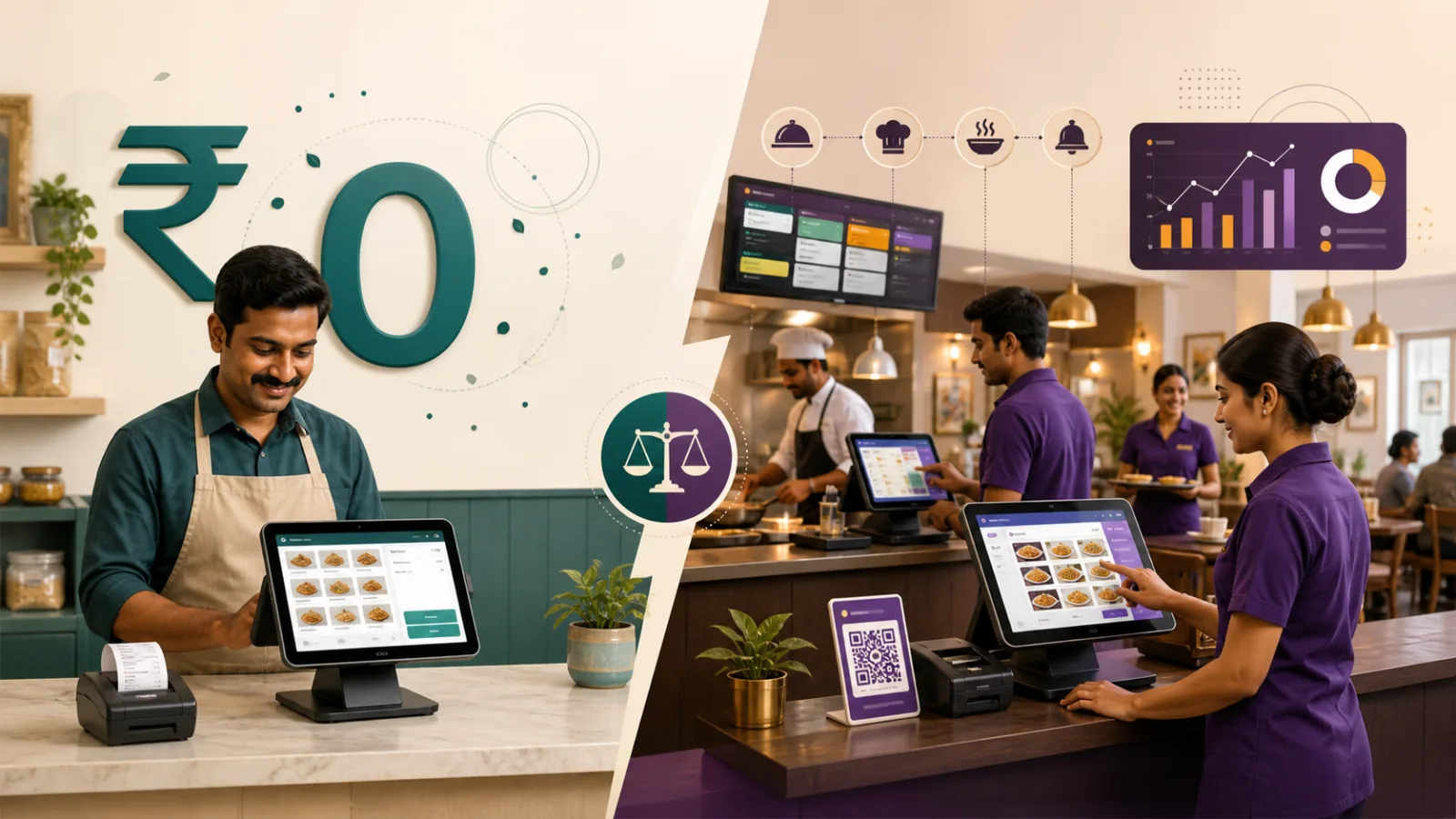
Compare real operating needs and monthly costs before choosing Free Forever Starter, Professional, or the optional WhatsApp Invoice Add-On.
A free POS is not automatically the economical choice, and a paid POS is not automatically the capable choice. The right plan is the lowest-cost option that supports the way the business must operate today. A one-counter shop and a multi-station restaurant may both create unlimited orders, yet need very different tools around those orders.
Direct answer: Choose Smart Money Cart Free Forever Starter when you need one outlet, one POS counter, unlimited billing, unlimited orders, product management, customers, employees, and basic reports. Choose Professional when you need QR ordering, Kitchen/KOT, AI analytics, reconciliation, advanced inventory, multiple outlets or active counters, advanced permissions, or priority support.
This comparison uses current Smart Money Cart catalog prices and feature boundaries. Check the live pricing page before purchasing because taxes, plan limits, and terms can change.
What does free POS versus paid POS mean in simple terms?
A free POS plan provides a defined billing workflow at no base subscription cost. A paid plan charges for capabilities beyond that base. The useful question is not “Which list is longer?” It is “Which operational problem does the paid feature solve?”
Smart Money Cart Starter is ₹0 Free Forever. It has no expiry, requires no credit card, and includes unlimited bills and unlimited orders. Professional is ₹499 per month before applicable taxes and adds advanced tools. It has a seven-day trial, but the upgrade is optional.
This distinction prevents two expensive errors: paying for functions that staff will not use, or choosing a free tier that cannot support the actual kitchen, outlet, inventory, or reporting process.
What should a useful free POS plan include?
A credible free plan should state its price, expiry rule, volume limits, operating limits, and exclusions in plain language. For a small business, the foundation usually includes billing, product or menu setup, order history, customer records, employee access, receipts, and a way to review basic sales.
It should also be possible to begin without surrendering payment details simply to discover whether the workflow fits. Free Forever Starter follows that model: ₹0, no expiry, no card, unlimited billing, and unlimited orders within one outlet and one active POS counter.
“Free” does not need to mean “everything.” Clear boundaries make a plan easier to trust. A business can test its actual counter workflow and compare advanced tools only if a real need appears.
What does Smart Money Cart Starter include?
Starter includes:
- Unlimited POS billing and unlimited orders
- One outlet and one active POS counter
- Product and menu management
- Order history and customer management
- Employee accounts and staff login
- Basic sales reports
- Receipt printing
- Standard support
It costs ₹0 per month, does not expire, and does not require a credit card. A local retailer, small service counter, café, takeaway, bakery, or early-stage business can use that foundation when its operation stays within the stated limits.
For more detail, read the practical guide to free POS software in India or review the POS billing feature.
What are the real limitations of Starter?
Starter does not include QR table ordering, Kitchen display, KOT printing, AI analytics, Swiggy/Zomato reconciliation, advanced inventory and purchasing, multiple outlets, multiple active POS counters, advanced employee permissions, or priority support.
These are not hidden usage penalties. They define the point where a more complex business may need Professional. An owner should treat each exclusion as a question. Do guests order at the counter or at the table? Does a cashier need to send instructions to kitchen stations? Are several counters live together? Is delivery-platform reconciliation a regular task?
If the answer is no, a missing advanced feature may have no current value. If the answer is yes, choosing Starter solely because it is free can create manual work elsewhere.
Start at ₹0 while one outlet and one counter meet your needs. Create a Free Starter account or compare current plans.
What does Professional add?
Professional costs ₹499 per month before applicable taxes and offers a seven-day trial. It adds advanced capabilities such as QR table ordering, Kitchen display and KOT printing, AI analytics, Swiggy/Zomato reconciliation, advanced inventory and purchasing, multiple outlets and active counters according to the catalog, advanced employee permissions, and priority support.
Professional is an operational upgrade, not a requirement for continued billing. Both Starter and Professional have unlimited bills and orders. Processing more orders by itself does not require the paid plan; needing the advanced workflow around those orders may.
The seven-day trial should be used for a real acceptance test. Run the actual menu, staff roles, kitchen handoff, reports, and closing routine. A feature that looks useful in a tour should prove useful during a normal shift.
What are seven signs that Starter is enough?
- The business operates from one outlet.
- One active POS counter handles billing.
- Unlimited bills and orders solve the main record-keeping need.
- Product or menu management, customers, and order history cover the workflow.
- Employee accounts and standard staff login are enough.
- Basic sales reports and receipt printing meet the owner’s review process.
- The business does not currently need QR, Kitchen/KOT, AI, reconciliation, advanced inventory, or priority support.
When these signs match, Free Forever Starter is not a temporary compromise. It is the appropriate plan for the current operation, and it does not expire.
Who should choose Starter?
Starter is for small and new businesses that want an organised single-counter billing system without a base monthly fee. It also suits owners who prefer to learn the core workflow before adding operational complexity.
What are seven signs that it is time to upgrade?
- A second location or additional active counter must operate in the POS.
- Cashier orders need a structured Kitchen display or printed KOT workflow.
- Guests should browse and place orders through table QR codes.
- Swiggy and Zomato records require a reconciliation workflow.
- The owner needs AI-assisted analytics beyond basic reports.
- Purchasing, inventory, or employee permissions have become more advanced.
- Priority support has become an operating requirement.
Who should not choose Starter?
A business should not choose Starter when one of these advanced requirements is essential on launch day. It should compare Professional directly, and a larger multi-outlet organisation should also review Enterprise limits. Start with the required workflow, then select the plan.
What is the monthly cost comparison?
The four common combinations are simple:
| Option | Monthly price before applicable taxes | What the price represents |
|---|---|---|
| Starter only | ₹0 per month | Free Forever base plan |
| Professional only | ₹499 per month | Paid advanced plan |
| Starter + WhatsApp Invoice Add-On | ₹199 per month | Free base plan plus optional add-on |
| Professional + WhatsApp Invoice Add-On | ₹698 per month | Professional plus optional add-on |
The comparison should include time as well as subscription cost. If Starter requires a restaurant to copy orders manually into a kitchen workflow it genuinely needs, the free plan may not be the economical operational choice. If a retailer never uses QR, Kitchen/KOT, AI, or reconciliation, Professional may add cost without solving a current problem.
Taxes are additional where applicable. Hardware, connectivity, printing supplies, training time, and other third-party services are separate from the plan prices shown here.
Compare the workflow before the price. Choose Your POS Plan and keep your campaign or referral details when you continue to registration.
How does Starter with the WhatsApp Invoice Add-On work?
Starter remains ₹0. The optional WhatsApp Invoice Add-On costs ₹199 per month before applicable taxes, so the combined recurring plan amount is ₹199 per month before taxes.
The add-on includes 500 successful WhatsApp invoice sends per add-on billing cycle. Additional successful sends cost ₹0.30 each before applicable taxes. The included quantity is part of the paid add-on; it should not be described as an independently free allowance.
Choose this combination when Starter covers the POS workflow but the business wants eligible invoices delivered through WhatsApp. The add-on is optional, and normal Starter billing continues without it.
How does Professional with the WhatsApp Invoice Add-On work?
Professional is ₹499 per month and the WhatsApp Invoice Add-On is ₹199 per month, making ₹698 per month before applicable taxes.
WhatsApp invoicing is not bundled with Professional. It must be selected and authorised separately. The same 500 successful sends per add-on billing cycle and ₹0.30 additional-successful-send rate apply.
This separation is useful because a business may need Kitchen/KOT or reconciliation without needing WhatsApp invoice delivery. Another business may stay on Starter and want only the add-on. Base plan and delivery channel are independent decisions.
What do example business journeys look like?
A new retail shop: One owner and one employee bill from a single counter. They need products, customer records, receipts, and basic sales review. Starter is enough. If the shop later opens branches, it compares Professional or Enterprise according to catalog limits.
A two-person café: Staff bill at one counter and communicate drinks directly. The café begins on Starter. When it adds dine-in service with a formal preparation queue and table ordering, it evaluates Professional restaurant tools.
A bakery using digital delivery: Counter billing and one outlet still fit Starter, but customers ask for invoice delivery through WhatsApp. The owner can add the optional ₹199-per-month WhatsApp Invoice Add-On without buying Professional.
A growing restaurant: It needs Kitchen display, printed KOTs, QR table ordering, and aggregator reconciliation. Professional fits the named operational requirements. The business tests them during the seven-day trial rather than upgrading on assumption.
A multi-location operator: It compares the number of outlets, active counters, staff roles, inventory requirements, reporting, and support against the current Professional and Enterprise catalog. A price-only choice would miss the most important constraints.
Which option does the decision matrix recommend?
| Business need | Recommended option |
|---|---|
| One outlet and one POS counter | Starter |
| Unlimited basic billing | Starter |
| Employee and staff login | Starter |
| Kitchen/KOT operations | Professional |
| QR table ordering | Professional |
| AI analytics | Professional |
| Swiggy/Zomato reconciliation | Professional |
| WhatsApp invoice delivery | Optional add-on |
| Multiple outlets | Professional or Enterprise according to catalog |
Use the matrix as a shortlist, not as a substitute for testing. A restaurant should verify the full counter-to-kitchen flow. A retailer should confirm products, receipts, and active-counter needs. Every business should review the current pricing and plan limits before authorising payment.
How can I make the decision in five minutes?
Write two columns: “must work today” and “may be useful later.” Put billing, outlets, counters, kitchen handoff, QR, inventory, employee controls, reconciliation, analytics, and support into one of those columns.
Choose Starter if every must-have is included and one outlet with one active counter is enough. Choose a Professional trial if at least one must-have is a paid advanced capability. Leave optional ideas in the second column until there is a real process, owner, and success check for them.
This method keeps a future possibility from becoming a present subscription expense. It also keeps a low sticker price from hiding a workflow the free tier cannot perform.
What is the final recommendation?
Choose Smart Money Cart Free Forever Starter when the business needs one outlet, one active counter, unlimited billing and orders, products or menus, customers, employees, receipts, and basic reports. It costs ₹0, requires no card, and does not expire.
Choose Professional when a real requirement exists for QR ordering, Kitchen/KOT, AI analytics, reconciliation, advanced inventory, multiple operations, advanced permissions, or priority support. Professional costs ₹499 per month before applicable taxes and remains optional. Add WhatsApp invoice delivery separately only if the business needs it.
Start with Free Starter and upgrade when your business operations require advanced tools. Choose Your POS Plan · Create Free Starter Account
Choose Your POS Plan · Read more SmartMoneyCart guides
By Adarsh Osle · Published 2026-08-14T00:00:00.000Z · Updated 2026-08-14T00:00:00.000Z
Continue your POS plan review
Compare current Smart Money Cart plans · Create a Free Starter account · Read Free POS and Billing Guides
Frequently asked questions
- Is a free POS good enough for a small business?
- It can be. Starter is a strong fit when one outlet and one active POS counter are enough and the business needs unlimited billing, orders, products, customers, employees, receipts, and basic reports.
- When should I pay for Professional?
- Consider Professional when you can name an operational need for QR ordering, Kitchen/KOT, AI analytics, Swiggy/Zomato reconciliation, advanced inventory, multiple outlets or active counters, advanced permissions, or priority support.
- What happens after the seven-day Professional trial?
- Professional is optional. If you do not authorize a paid subscription, your business can continue on Free Forever Starter within its included features and limits.
- Is WhatsApp invoicing included with Professional?
- No. The WhatsApp Invoice Add-On is optional on Starter and Professional. It costs ₹199 per month before applicable taxes and must be selected separately.
- What does the WhatsApp Invoice Add-On include?
- It includes 500 successful WhatsApp invoice sends in each add-on billing cycle. Additional successful sends cost ₹0.30 each before applicable taxes.
- Can I start free and upgrade later?
- Yes. You can begin with Starter at ₹0 and compare Professional only when the daily workflow requires advanced tools. This keeps the plan decision tied to a real operating need.